Skip to content


What MFA actually is
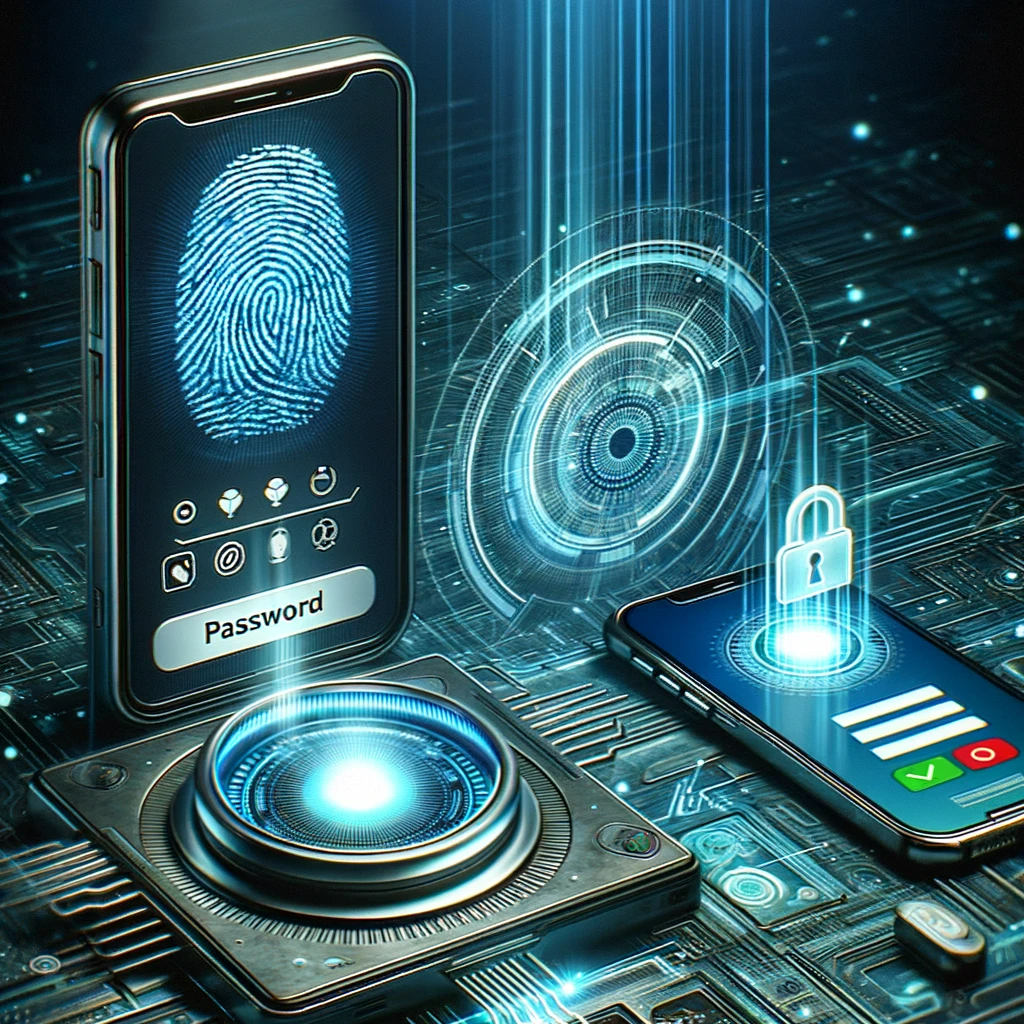
Multi-factor authentication (MFA) means proving who you are with more than just a password. Usually that’s something you know (your password) plus something you have (a code from an app, a text message, or a physical key) or something you are (a fingerprint or face scan).
The idea is simple. Even if someone steals your password, they still can’t get in without that second piece.
Why passwords alone aren’t enough
Passwords get compromised more often than most business owners realise. Data breaches leak millions of passwords every year, many of which get reused across accounts. Phishing emails trick people into typing their password straight into a fake login page. And weak passwords get guessed or cracked in minutes.
None of that matters if MFA is switched on. A stolen password becomes useless on its own.
Why “everywhere” matters
It’s common for businesses to enable MFA on one or two systems and assume they’re covered. Email gets it, but the CRM doesn’t. The VPN gets it, but the file storage doesn’t.
Attackers look for the gap. If one account is left without MFA, that’s the one they’ll target. Every login that matters, email, cloud storage, accounting software, remote access, admin portals, needs the same protection. A single unprotected account can undo everything else.
Common objections, and why they don’t hold up
“It slows people down.” Modern MFA takes seconds; a tap on a phone notification, not typing in a code from a text message. The extra few seconds are a small price for stopping the most common cause of breaches.
“We’re too small to be targeted.” Small businesses are targeted precisely because they’re less likely to have protections like this in place. Attackers don’t discriminate by company size, they go after easy access.
“Our staff will find it annoying.” A short explanation of why it matters, plus a quick walkthrough of the app, solves this in most cases. Most people adjust within a day or two.
How to roll it out without disruption
- Start with your highest-risk systems: email, remote access, and anything holding financial or customer data.
- Use an authenticator app rather than SMS codes where possible; it’s more secure and doesn’t rely on mobile signal.
- Roll out in stages rather than all at once, giving people time to get used to it.
- Keep a documented backup method for lost devices, so people aren’t locked out.
The bottom line
MFA is one of the simplest, cheapest changes a business can make to cut its risk of a breach. It won’t stop every attack, but it removes one of the most common ways attackers get in. According to the National Cyber Security Centre, MFA is one of the most effective steps a business can take to protect its accounts. Microsoft’s own data puts it in similar terms too, MFA blocks the vast majority of automated account takeover attempts, as detailed in their guidance on identity security.
If it’s not switched on across every account in your business, that’s the gap worth closing first.
Get in touch
Not sure which of your systems are covered and which aren’t? Gardner Systems can run a quick audit of your current setup and get MFA rolled out properly, without disrupting your team. Get in touch with Gardner Systems to book a free IT review.